The Brief: November 2026
This month, Runtime puts your agents first: each one gets a character, its own computer and a Runs page your team can scan. Evals show exactly which checks each agent passes. And your team can run and check agents from Claude, ChatGPT and Cursor, signed in with your company's single sign-on.
by Runtime Team · November 2026
A workspace built around your agents
Runtime is now organized around your agents: who they are, what they're working on and how they're doing.
Give every agent a face
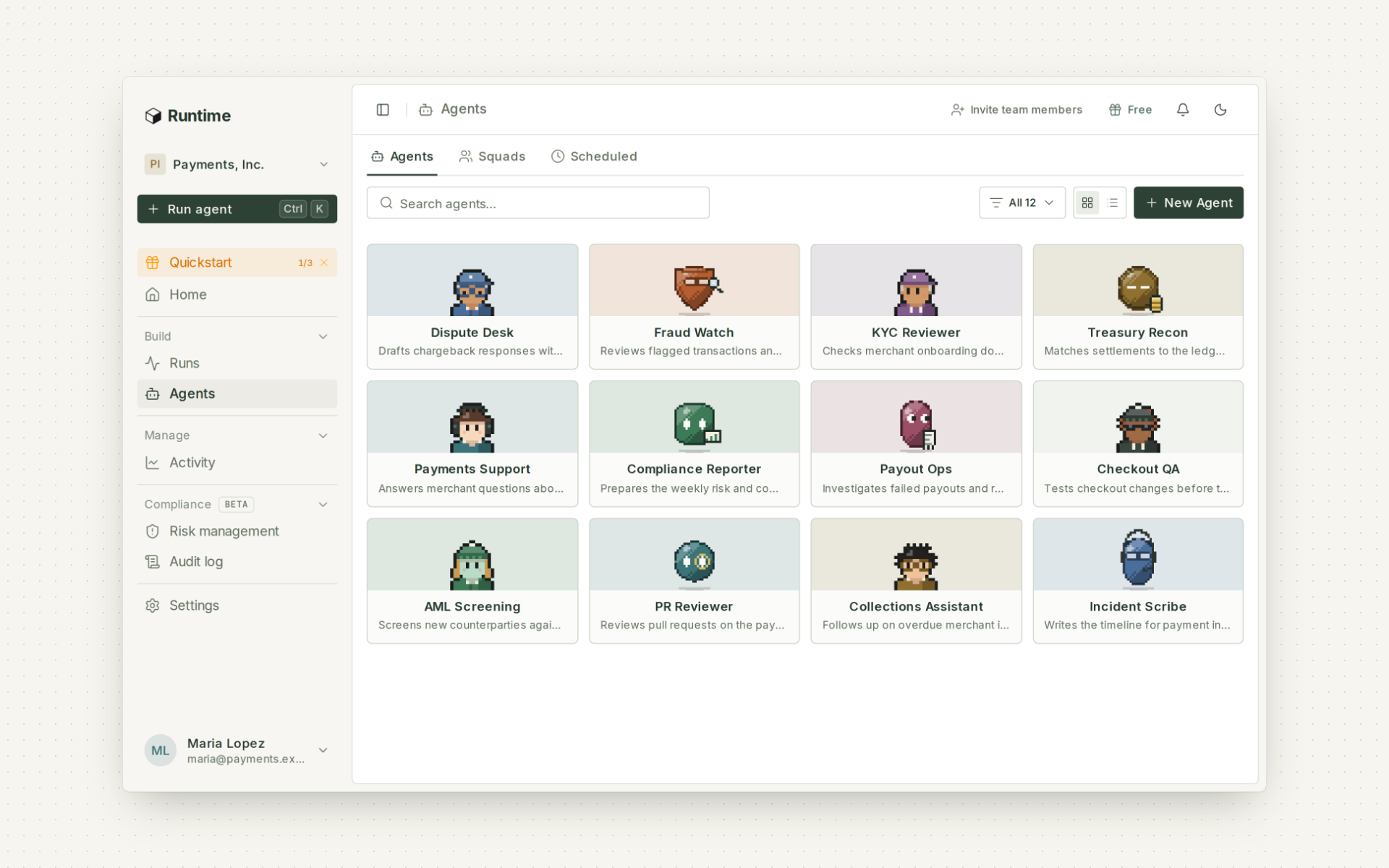
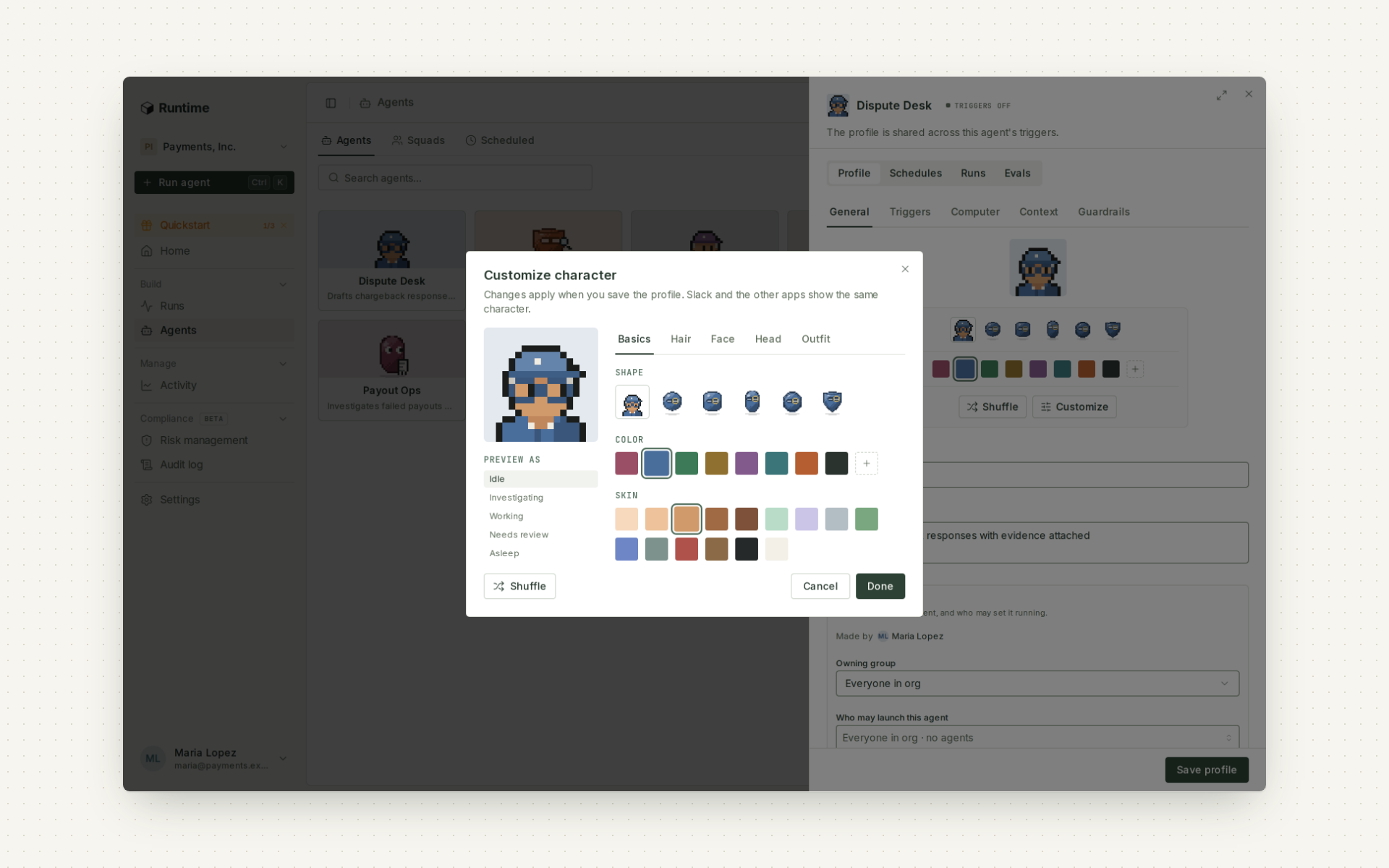
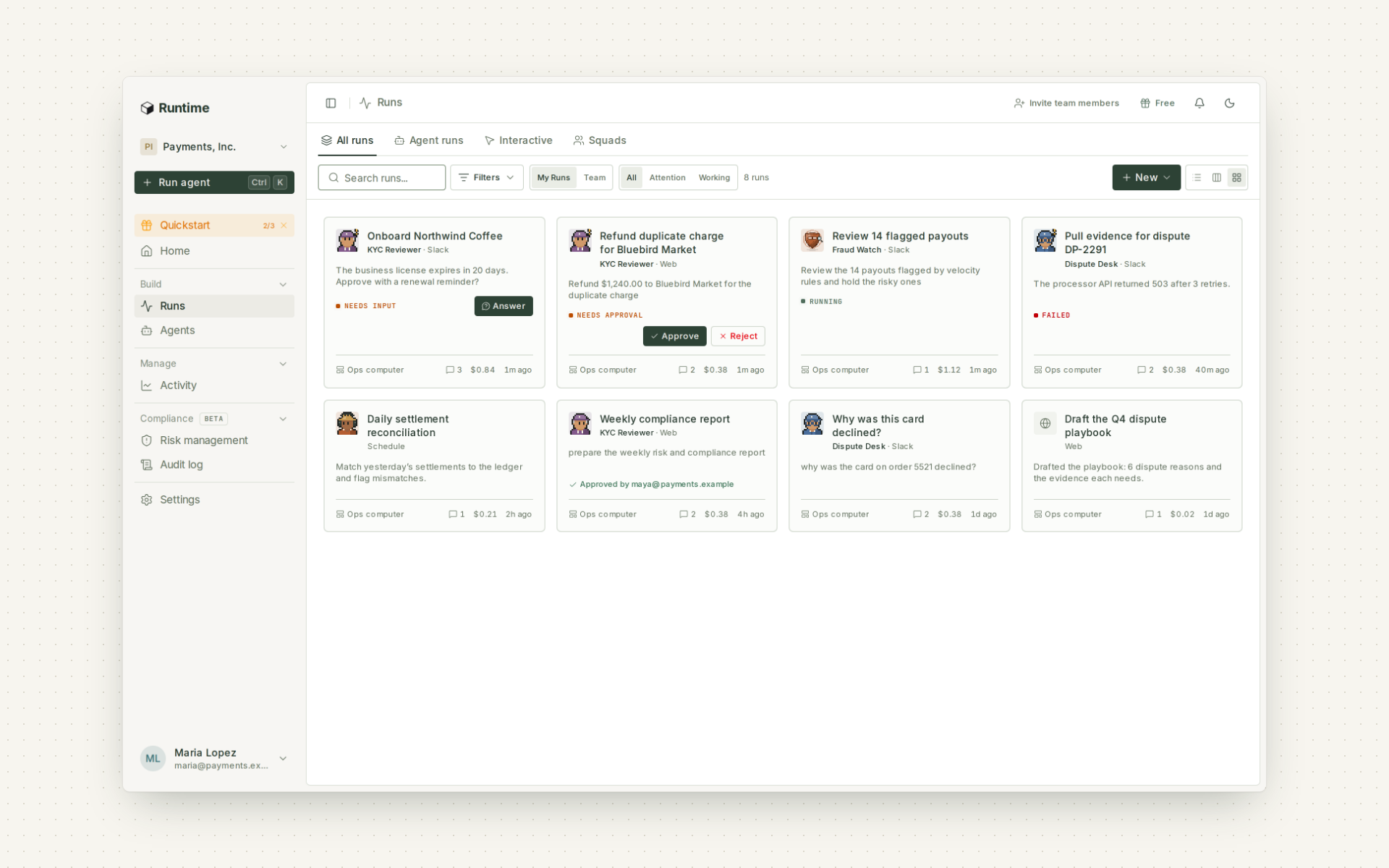
Each agent gets a pixel character in its own color, so a busy roster is easy to scan. Customize its hair, headwear, outfit and gear, or pick a shape. Slack, GitHub and Teams show the same character, so people know which agent is talking to them. Learn more.
Runs, at a glance
Sessions are now Runs. Switch between a list, a board and cards. Runs waiting on someone show Answer or Approve right on the card, and failed runs stand out. Schedules can repeat every 30 minutes or every few hours, in any time zone.
How each agent is doing
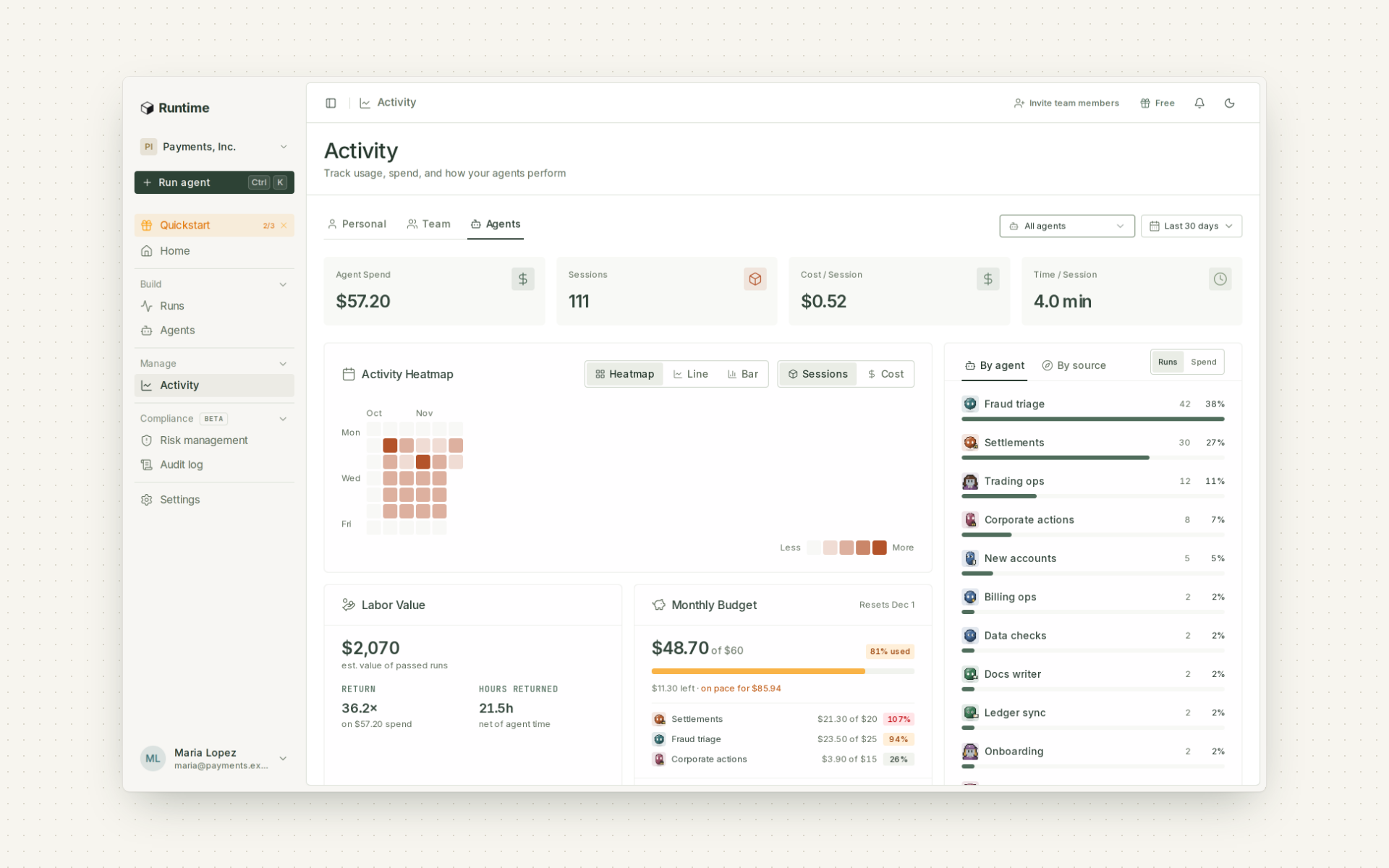
Activity has an Agents view: which agents run most, how their runs grade, where runs start, the labor value of passed runs and how much budget each agent has left.
Every agent gets its own computer
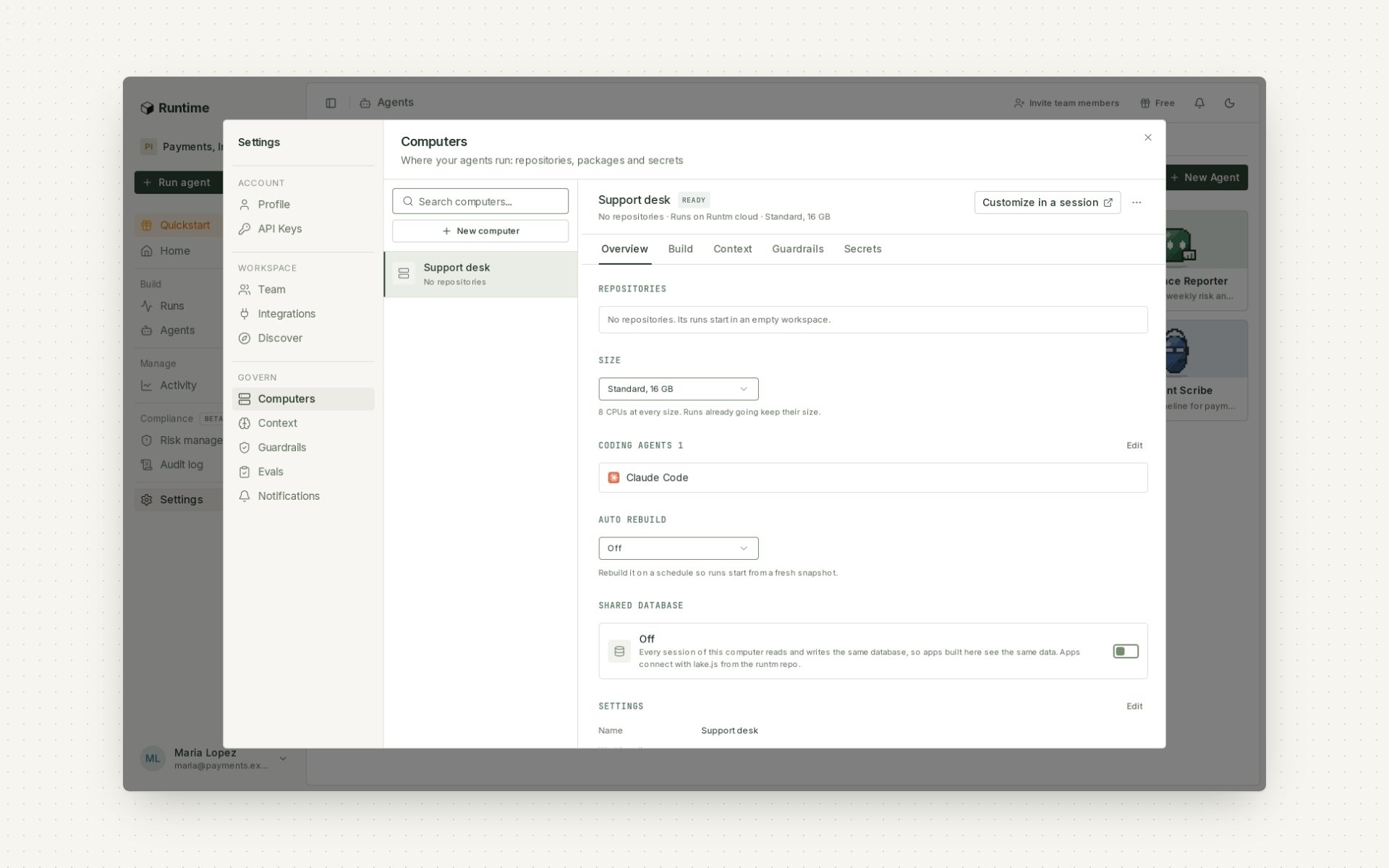
Templates are now called Computers. Each new agent gets its own, blank or from a GitHub or GitLab repository, and it builds in the background while the agent already works. Admins manage them in Settings, and a Shared database switch lets every session of a computer use the same data. Learn more.
Know which checks your agents pass
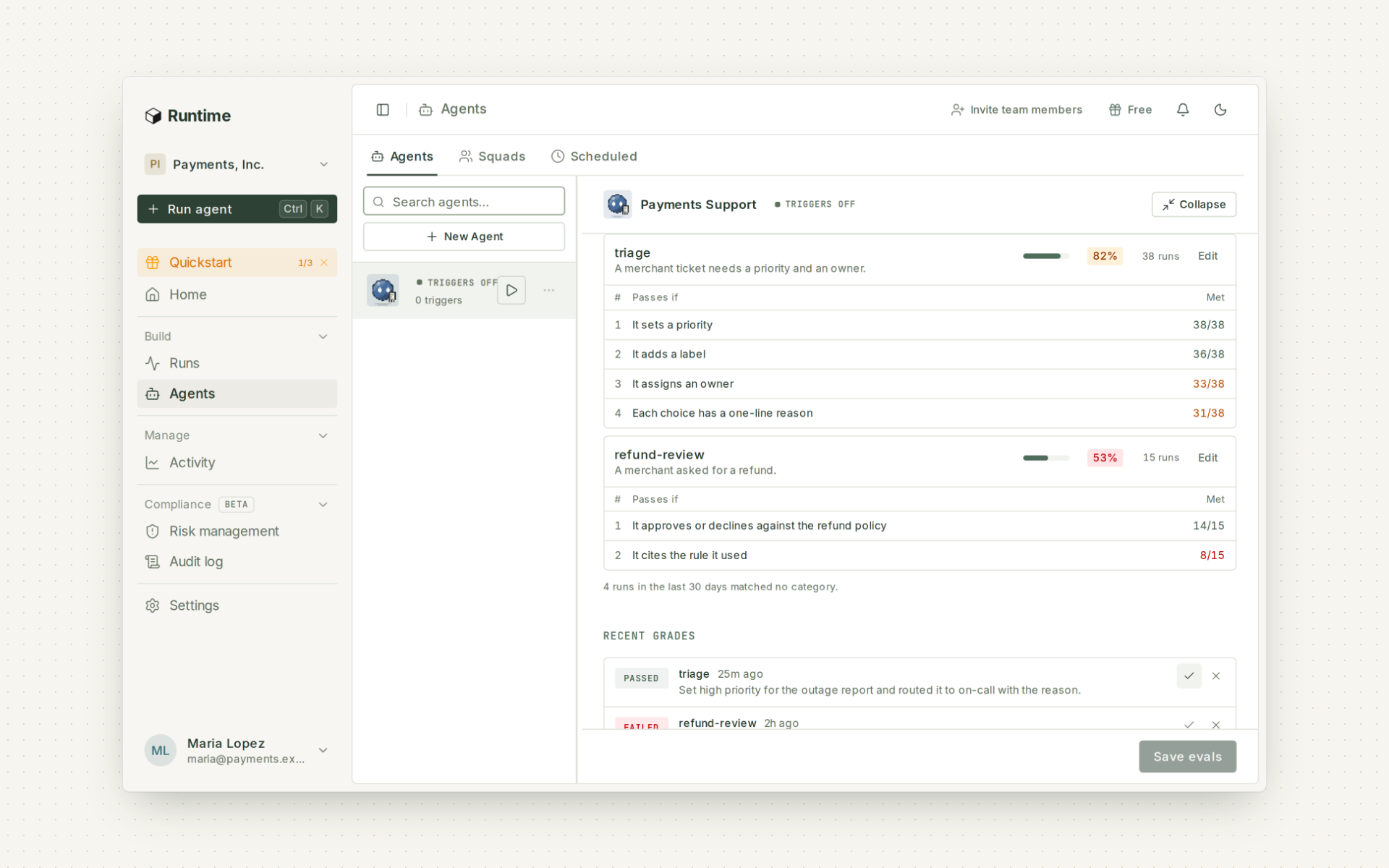
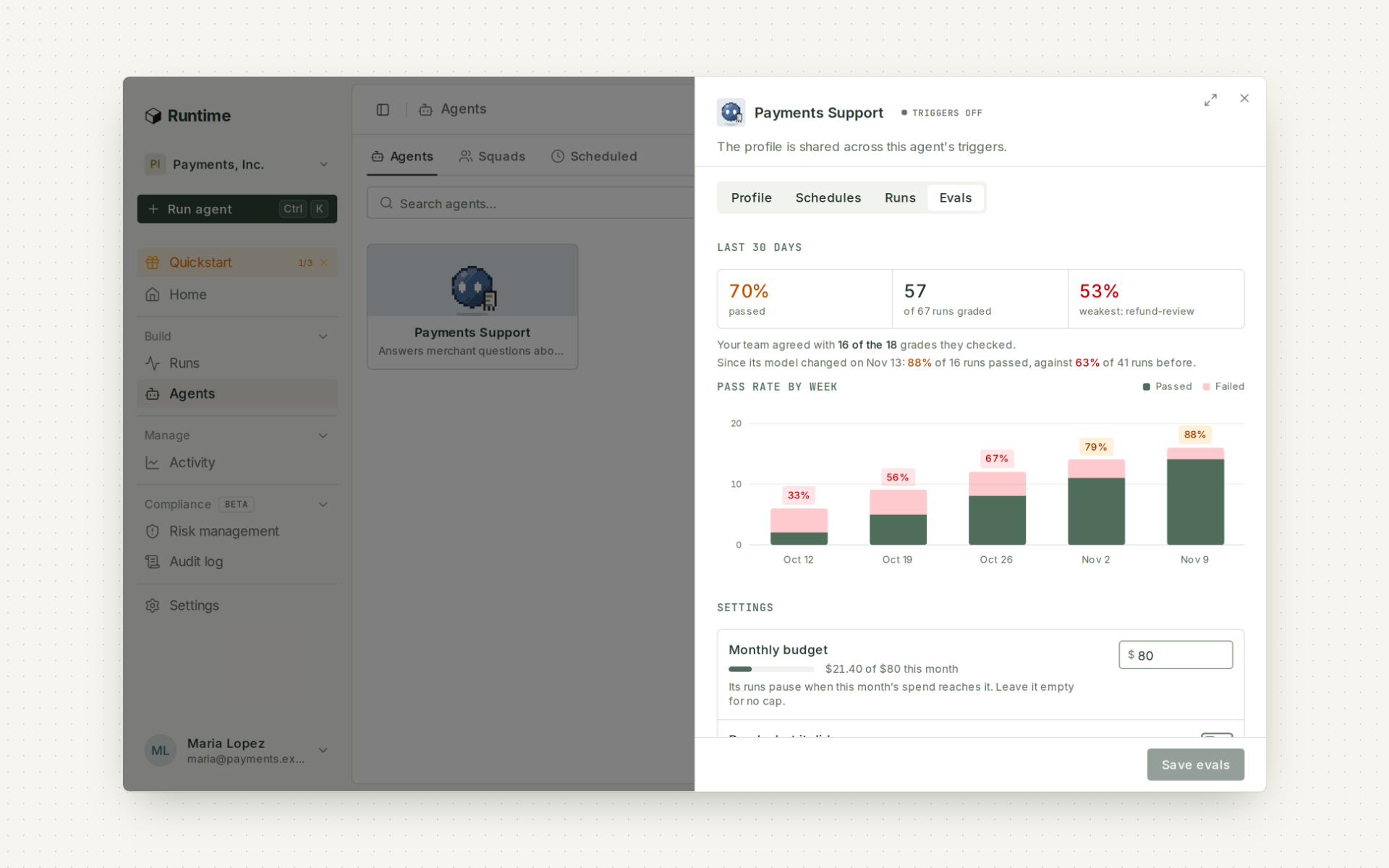
A pass rate only helps if you can see what it's made of and check the grader. Evals now show both.
Graded check by check
Write what a passing run looks like as a short list of checks. Every run is graded against each check, with the grader's reasoning written before its verdict, and each category shows how many runs met each check. The agent's owners can mark any grade right or wrong. Learn more.
How far to trust the grades
The Evals tab shows how often your team agreed with the grader, and the pass rate before and after the agent's last change. Grading runs on your organization's own Claude key, through Anthropic or Amazon Bedrock, and admins choose the grader model and which runs get graded.
Run your agents from the AI tools your team already uses
Operations and risk teams already work in Claude and ChatGPT. Now they can launch an agent, check how its runs went or update it without leaving the chat, and without handing the chat more access than they have.
The Runtime MCP server
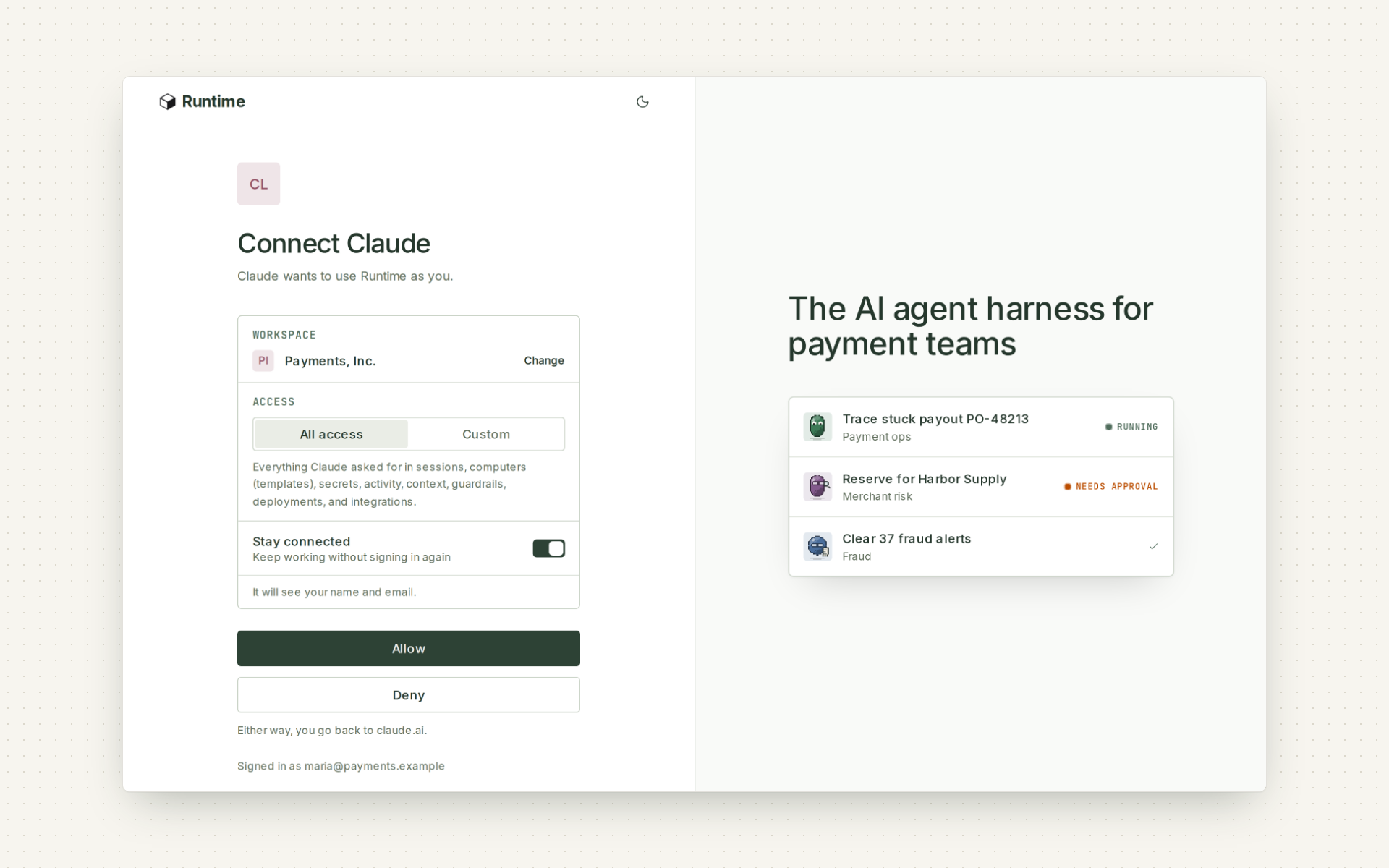
Add one URL, https://mcp.runtm.com/mcp, to Claude, ChatGPT, Cursor, VS Code or Codex. People sign in with their Runtime login or your company's single sign-on, pick the workspace and allow access. The app acts with that person's role and nothing more, through the same API as the dashboard. Anything that needs a key, token or password sends them to Runtime to finish, so credentials stay out of the chat. Learn more.
Internal MCP servers behind Okta
Many companies keep internal tools behind Okta. An admin sets up an OAuth app for that server once, and then everyone signs in with their own Okta account. Learn more.
That's all for November. Smaller improvements are in the release notes. Not on Runtime yet? Book a demo.